> ## Documentation Index
> Fetch the complete documentation index at: https://docs.befailproof.ai/llms.txt
> Use this file to discover all available pages before exploring further.
# Audits
> Review a defined population of sessions for failures that traces alone will not reveal.
An audit searches a selected set of sessions for a stated failure goal. It combines trace evidence, evaluation results, policy hits, and reference context to produce findings you can act on.
See how an audit moves from a scheduled run to evidence-backed failures you can fix.
## Open audits
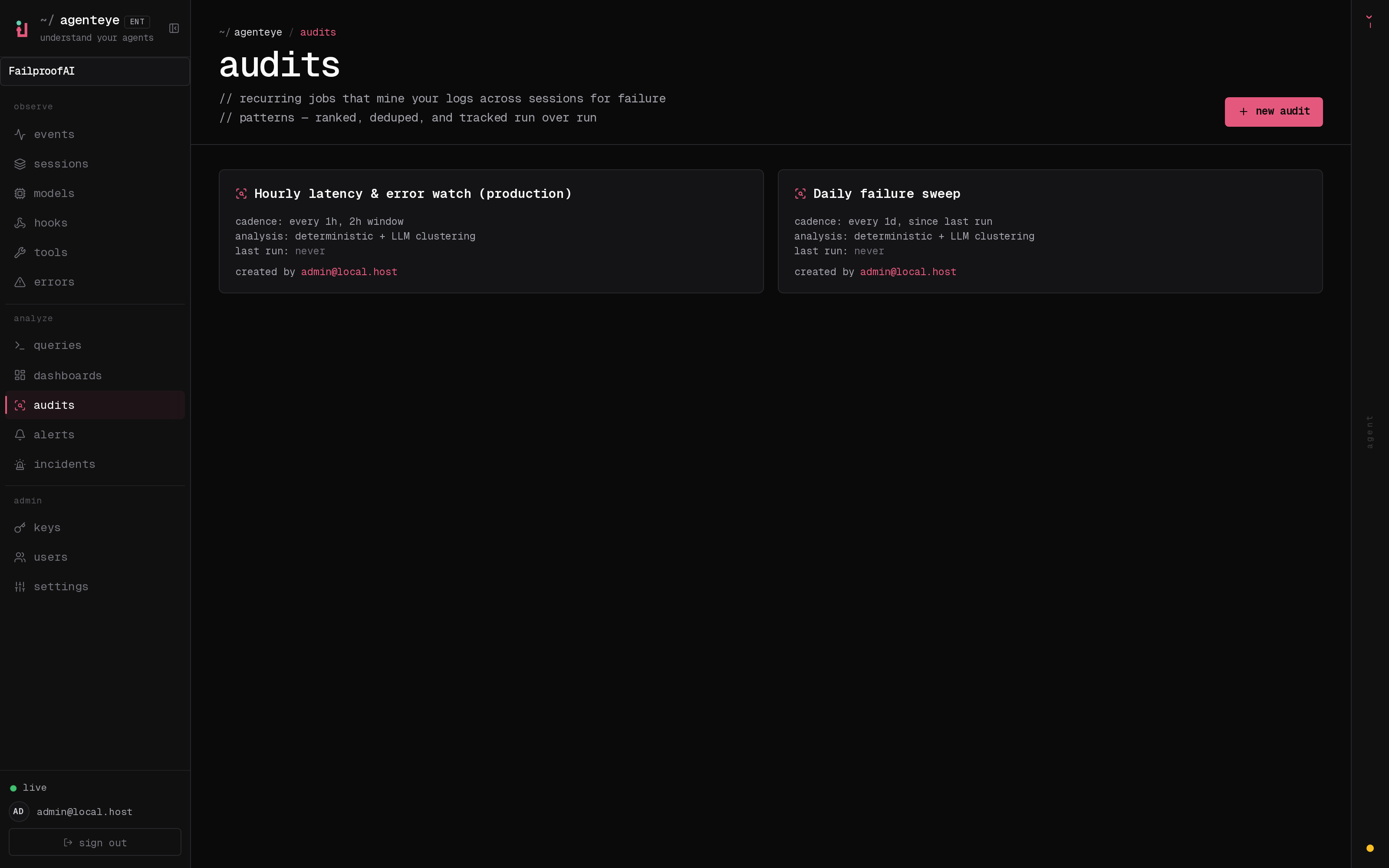
Go to **Analyze → Audits**. The page shows scheduled state, open findings, last run, next run, cadence, and whether the audit has a brief or reference pages. Select a card for settings and run history; select **new audit** to create one.
```bash theme={null}
fp audits list
fp audits list --enabled-only --show-id
fp audits show
fp audits findings --status open --limit 20
```
Use an audit when you need to answer a population-level question such as:
* Where do agents abandon tasks without escalating?
* Which tool failures lead to ineffective retries?
* Are agents accessing data outside the intended workflow?
* What changed after a model, prompt, or tool release?
## Audit response flow
```text theme={null}
Session → Audit → Finding → Issue → Policy
↘ Alert for recurrence
```
A finding should name the failure mode and point to evidence. An issue owns the remediation. A policy prevents a known action pattern; an alert detects recurrence when prevention is not possible or needs monitoring.
Define the goal, population, and reference context before the first run.
State what each agent must produce and what it must never do.