> ## Documentation Index
> Fetch the complete documentation index at: https://docs.befailproof.ai/llms.txt
> Use this file to discover all available pages before exploring further.
# Online evaluations
> Score live and completed sessions for quality, compliance, cost, and latency.
Online evaluations apply consistent judgments to agent sessions. Use them for signals that should be measured continuously rather than investigated only during an audit.
## Review evaluation quality
1. Go to **Observe → Evaluations**.
2. Add a series and choose the agent, environment, evaluation score, statistic, and curve.
3. Add series to compare environments, agents, or score keys.
4. Select a result to open matching sessions or share the filtered view. Use **Observe → Metrics** for latency, tokens, cost, and other magnitude values.
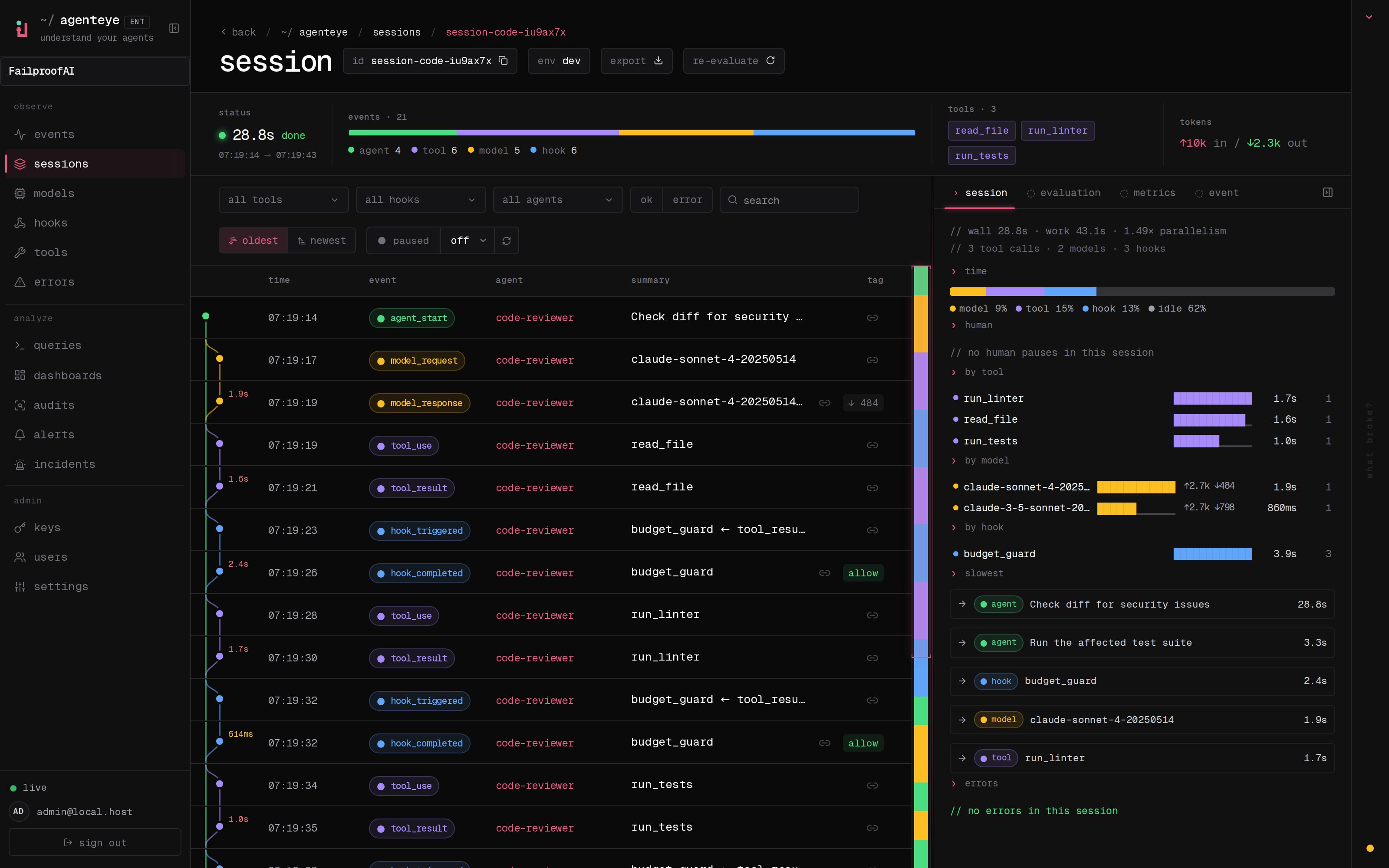
 Open a session from the drill-down to inspect its per-score reasoning:
 ```bash theme={null}
fp evals --agent-id checkout-agent --aggregate
fp evals --aggregate --env production --status error
fp evals --score helpfulness:0.8.. --since 7d
```
Add global `--json` before `evals` for automation, for example `fp --json evals --aggregate --env production`.
An evaluator receives the session identity, environment, timestamps, and ordered events. It can return numeric score keys with optional reasoning and a summary. Long-running evaluators can return a pending job and be polled later.
## Good evaluation targets
* Task completion or correctness
* Groundedness and hallucination risk
* Tool selection and tool efficiency
* Policy or process compliance
* Cost and latency budgets
* Required human escalation
## From score to response
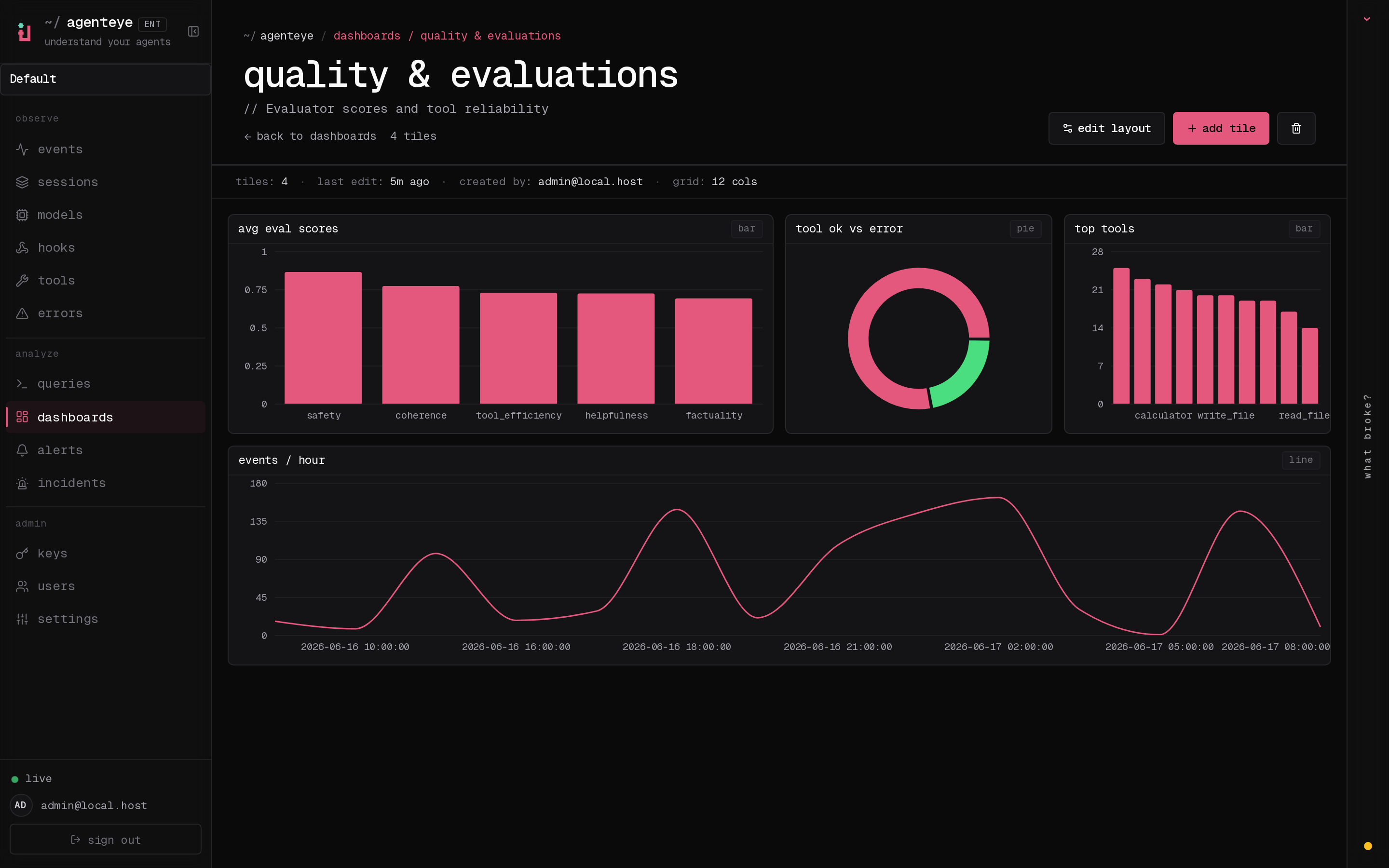
Show scores in dashboards to track trends. Create alerts for thresholds or compound conditions. When a score declines across a population, run an audit to investigate why; when the cause is a repeatable action, deploy a policy.
Implement synchronous or asynchronous evaluation with the Python evaluator SDK.
```bash theme={null}
fp evals --agent-id checkout-agent --aggregate
fp evals --aggregate --env production --status error
fp evals --score helpfulness:0.8.. --since 7d
```
Add global `--json` before `evals` for automation, for example `fp --json evals --aggregate --env production`.
An evaluator receives the session identity, environment, timestamps, and ordered events. It can return numeric score keys with optional reasoning and a summary. Long-running evaluators can return a pending job and be polled later.
## Good evaluation targets
* Task completion or correctness
* Groundedness and hallucination risk
* Tool selection and tool efficiency
* Policy or process compliance
* Cost and latency budgets
* Required human escalation
## From score to response
Show scores in dashboards to track trends. Create alerts for thresholds or compound conditions. When a score declines across a population, run an audit to investigate why; when the cause is a repeatable action, deploy a policy.
Implement synchronous or asynchronous evaluation with the Python evaluator SDK.