

Review usage
- Dashboard
- CLI
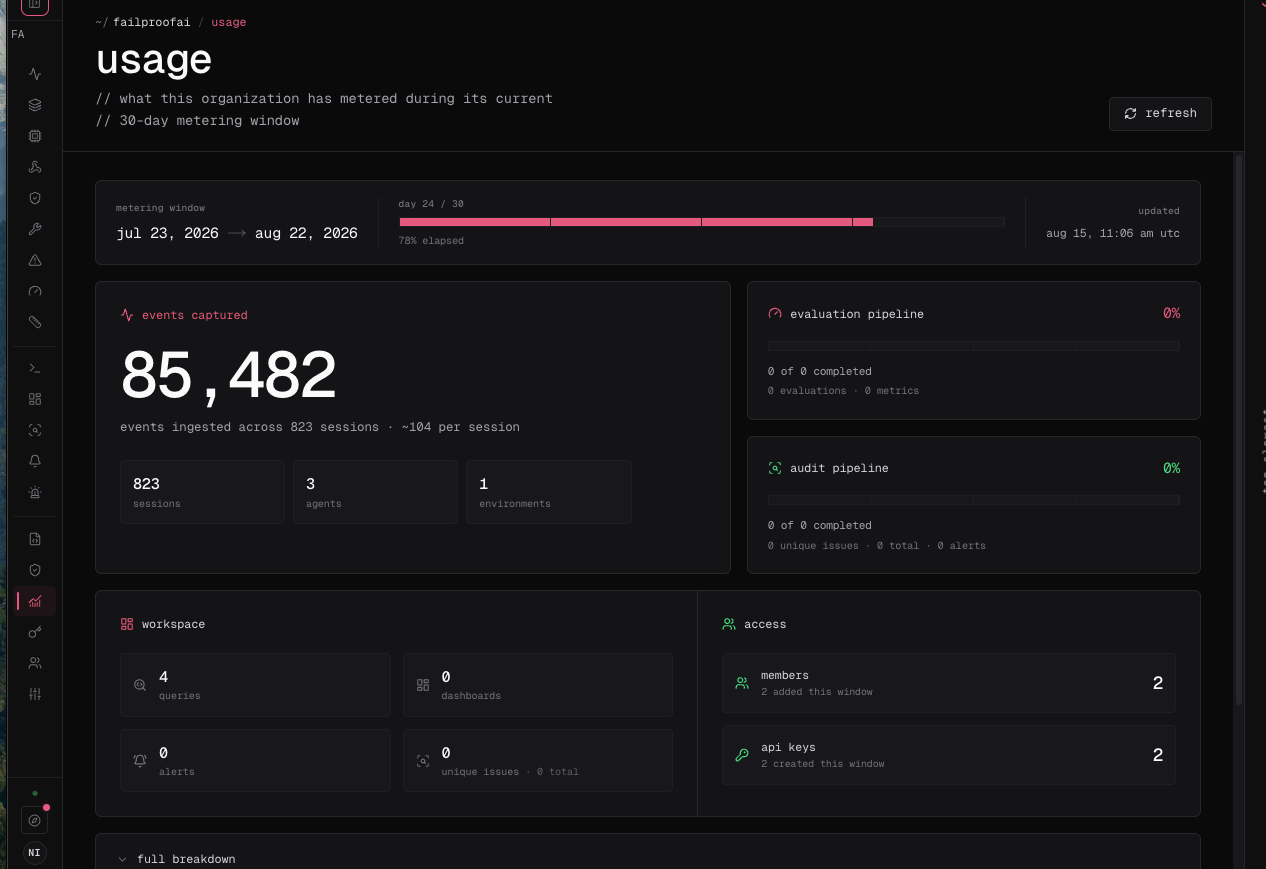
- Go to Administration → Usage.
- Confirm the organization and metering window.
- Review ingest, sessions, evaluations, metrics, audits, findings, alerts, users, and keys.
-
Compare started and completed audit work when audit usage looks unexpected.
Investigate a change
- Confirm the active organization and window.
- Compare the increase with session volume by environment.
- Check whether a new integration started sending transcripts.
- Review evaluator and audit cadence changes.
- Compare against the limits on the current pricing plan.