

Backtest the draft
- Dashboard
- CLI
The policy editor replays a draft against calls your fleet already made, before you publish it.
- Open the draft in Admin → policy editor. The editor confirms it parses as JavaScript.
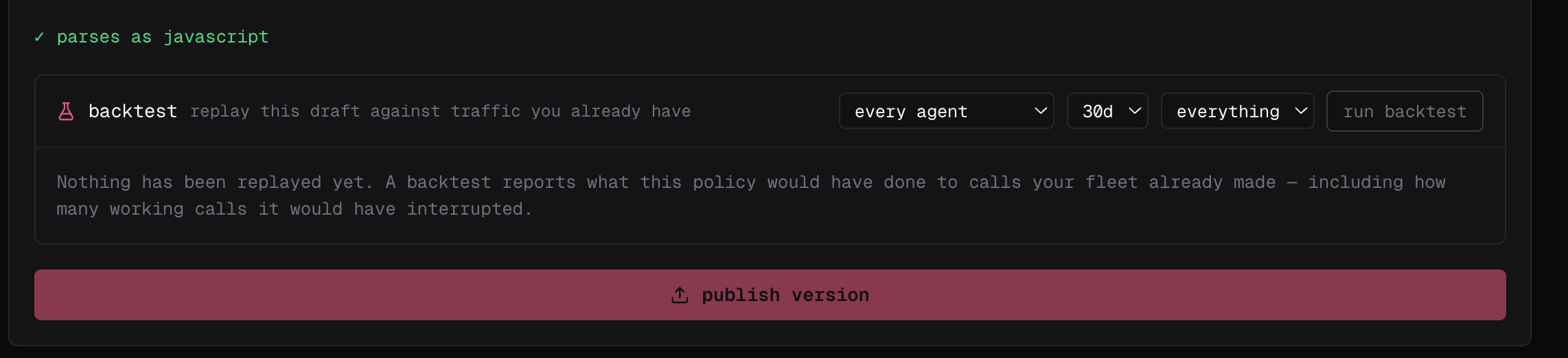
- In backtest, pick the agents and the time window to replay — every agent and 30d by default — and leave the last filter on everything unless you want to narrow it.
-
Select run backtest.
Run it against an event you describe
fp policies test runs a policy file on your machine against a synthetic event and checks the decision. Nothing is published and nothing reaches Cloud:
--event, --tool, --command and --file. The policy’s own match filter still applies, so a policy that does not cover the event you described reports skipped rather than a decision — usually a sign its match is narrower than you meant.
Run it on one machine
Next, enforce it for real on your own machine, against your own agent:Test what breaks
The install refuses a missing file, a syntax error, an unresolved import, a top-level exception, or a module that times out while loading — so re-run it after every change to the file or anything it imports. At enforcement time the same broken file is logged and skipped so every other policy keeps running: treat a load warning in production logs as lost enforcement. Convention files load without the install command, so keep an explicitfailproofai policies --install --custom <file> step in CI — it is what fails the build on a broken policy.
Then feed it what agents actually send, not only the input you expect: missing fields, alternate tool names such as Write and Edit, Windows paths, malformed input. Return an intentional allow, instruct or deny on every path, keep the function deterministic, and bound any external call with a short timeout.
Then publish it and observe it
A backtest shows what the policy would have done to the traffic you had; it cannot show what traffic you have not seen yet will do. Select publish version in the editor (or runfp policies publish), then deploy it in observe mode first — its verdicts are recorded and nothing is blocked — and enforce once its matches separate unsafe actions from valid ones.