- Coding CLIs (10) — Claude Code, Codex, GitHub Copilot CLI, Cursor, OpenCode, Pi, Factory Droid, Devin CLI, Antigravity CLI, Goose
- Chat and assistant gateways (2) — Hermes (Slack, Telegram, cron), OpenClaw (self-hosted assistant)
Each integration normalizes its native hook event names, tool names, and tool-input fields before policies run. A policy can only act on events the harness exposes; test end-of-turn and instruction behavior on the exact harness and version you deploy.
Enforcement capability
“Block” means the current adapter’s returned verdict is consumed by the named harness. Post-tool blocking may replace the result shown to the model but cannot undo a tool side effect that already happened.
Capabilities are version-sensitive. Re-test after upgrading an agent CLI, especially when a policy relies on prompt, stop, permission, or post-tool behavior rather than the common pre-tool gate.
Hermes native plugin
Hermes is integrated through a profile-local native plugin rather than a shell command. Installation links every default and named Hermes profile’splugins/failproofai to the plugin shipped in the npm package (a copy where a
symlink cannot be created), enables it in that profile’s config.yaml, and
migrates only legacy FailproofAI shell-hook entries. Because the plugin is
linked, npm install -g failproofai@latest updates it with no reinstall. This
avoids a process spawn on each hook and lets instruct() reach the model
through Hermes’ native blocked-tool result.
Legacy shell hooks (installed by 1.0.5 and earlier) do not check Hermes
cron jobs: each cron run builds its own hook scope, which the native plugin
joins and config.yaml shell hooks do not. failproofai update migrates every
profile that already uses FailproofAI to the linked plugin. If the running
daemon cannot serve the plugin, update leaves the shell hooks in place and
exits non-zero; run failproofai config to update the daemon, then
failproofai update again. Cron jobs load the plugin on their next run; restart
running gateways and interactive sessions to load it there.
The first matching instruction blocks the pending call. The same API request
stays blocked; a later model iteration may retry. A persistent, profile-scoped
ledger and a per-turn cap prevent an advisory instruction from becoming an
unbounded loop. deny() remains a hard block. Run failproofai config --status
to detect a disabled, incomplete, duplicated, or newly unconfigured profile, or
one still on legacy shell hooks (reported as “Hermes cron jobs are not checked”).
Install capture and policy hooks
- Dashboard
- CLI
- Open Administration → Keys and create a key with
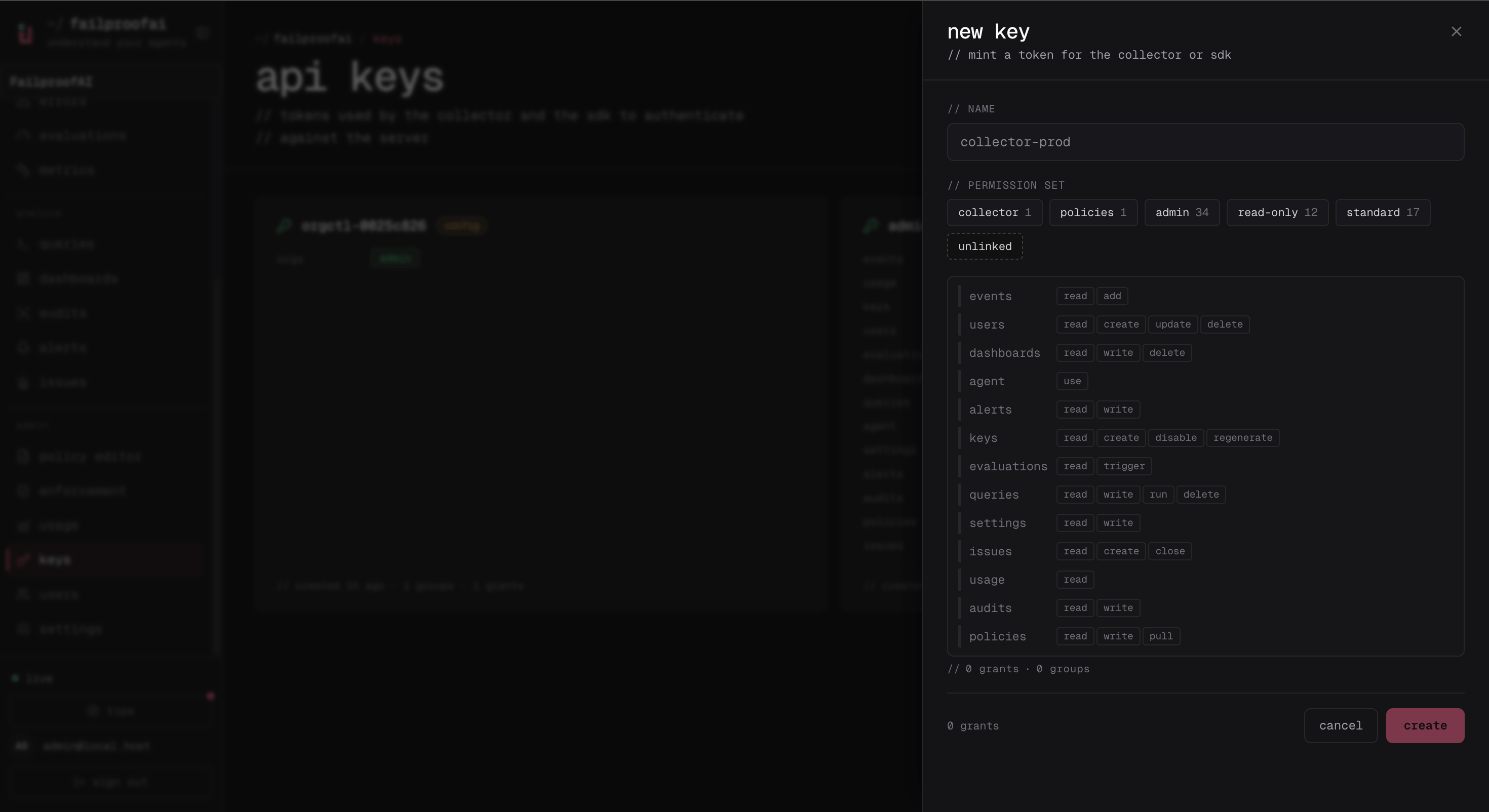
events:addandpolicies:pull, named for the machine or environment. - On the target machine, connect the local CLI with the displayed key and install the harness hooks.
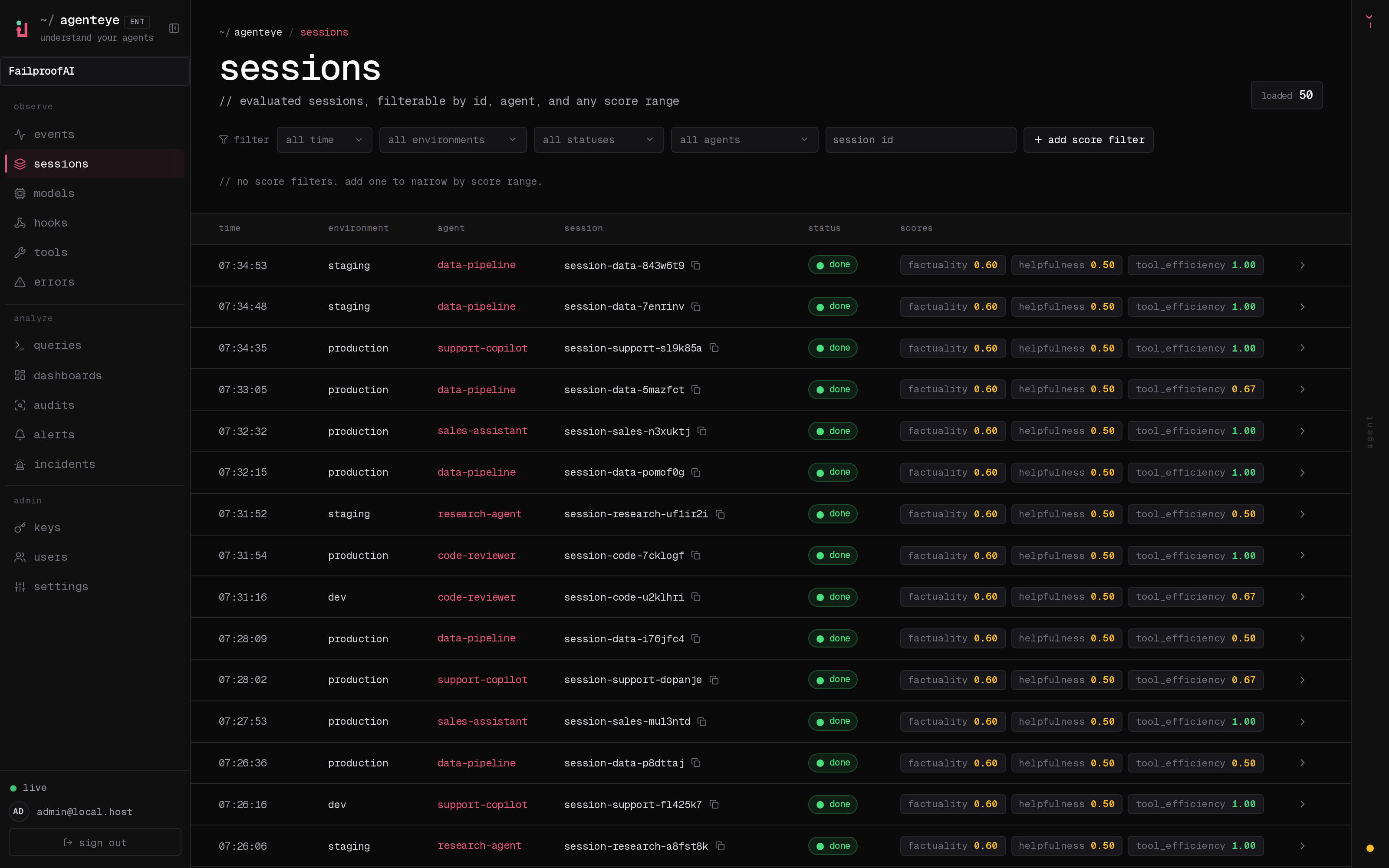
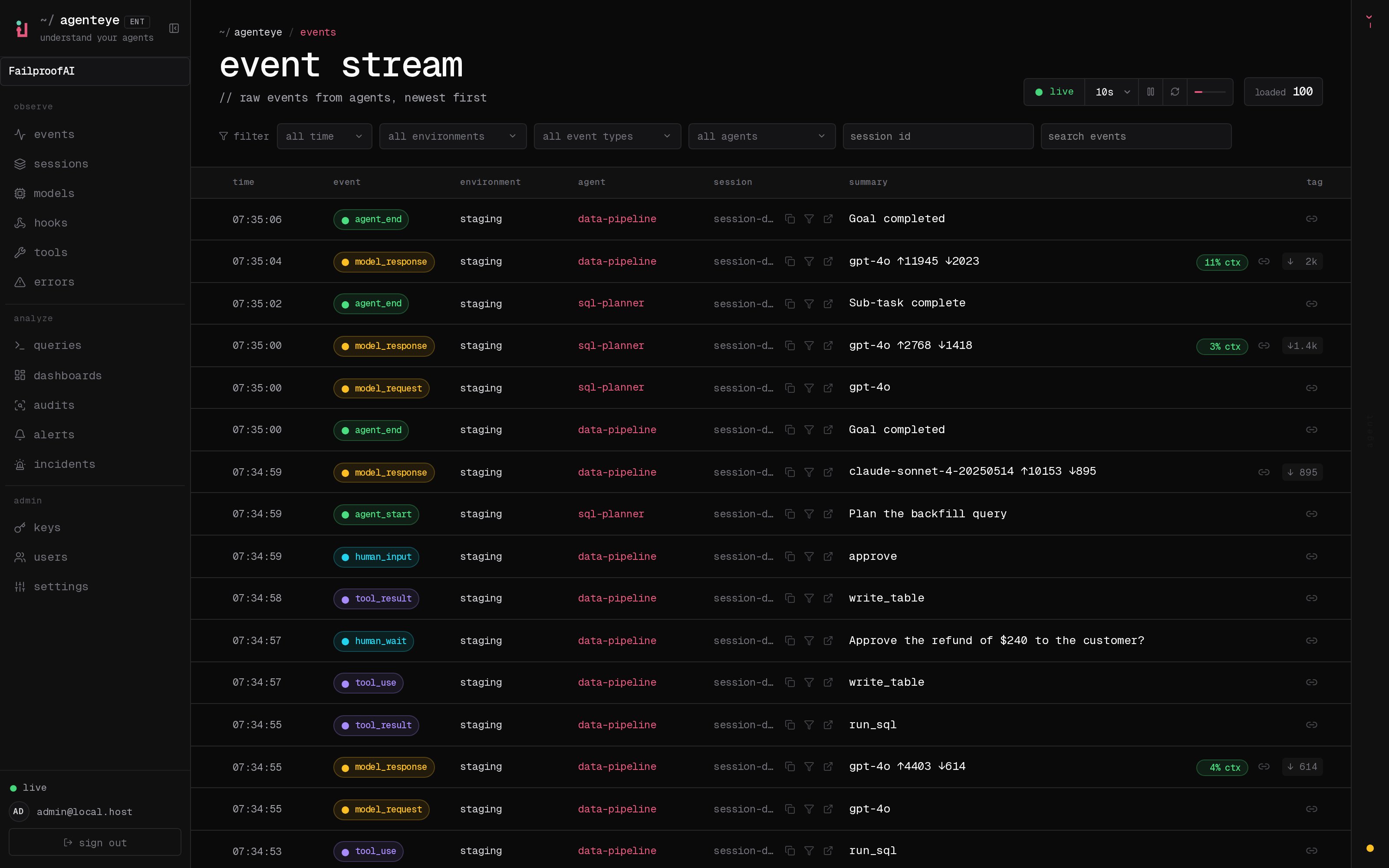
- Start a new agent session, then confirm its hook and session events under Observe → Events.
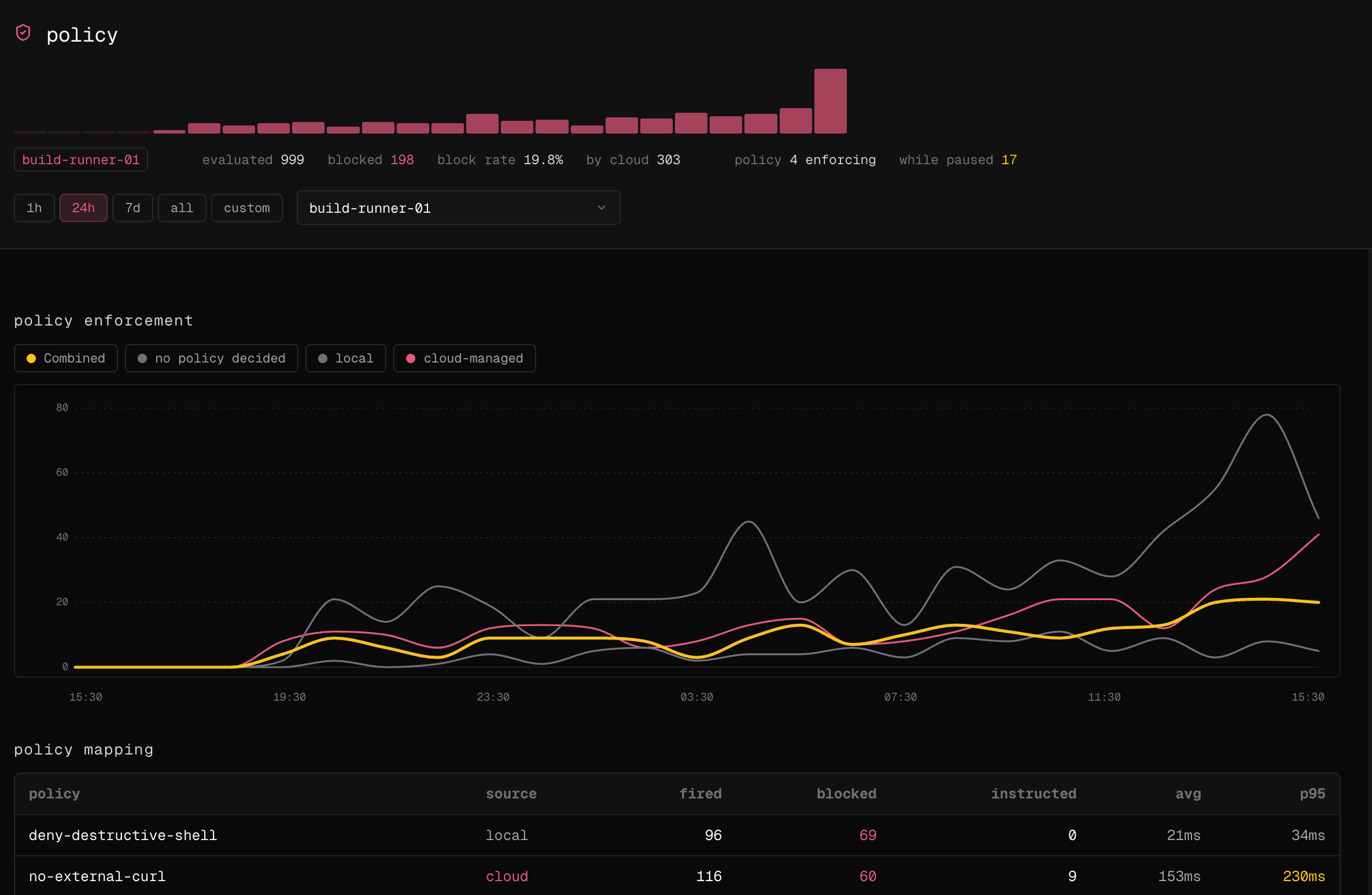
- Open Observe → policy for the same time window and confirm a policy decision is attributed to the machine.
Add a non-default session path
- Dashboard
- CLI
Extra paths are registered on the machine, not in Cloud. After adding one, open Observe → Sessions, filter to the machine’s environment, and confirm sessions from the new path appear. Open a session and check the agent, harness, and event timestamps before relying on it in an audit.