

No sessions appear in Cloud
No sessions appear in Cloud
- Dashboard
- CLI
Open Administration → Keys and confirm the machine key is active and has 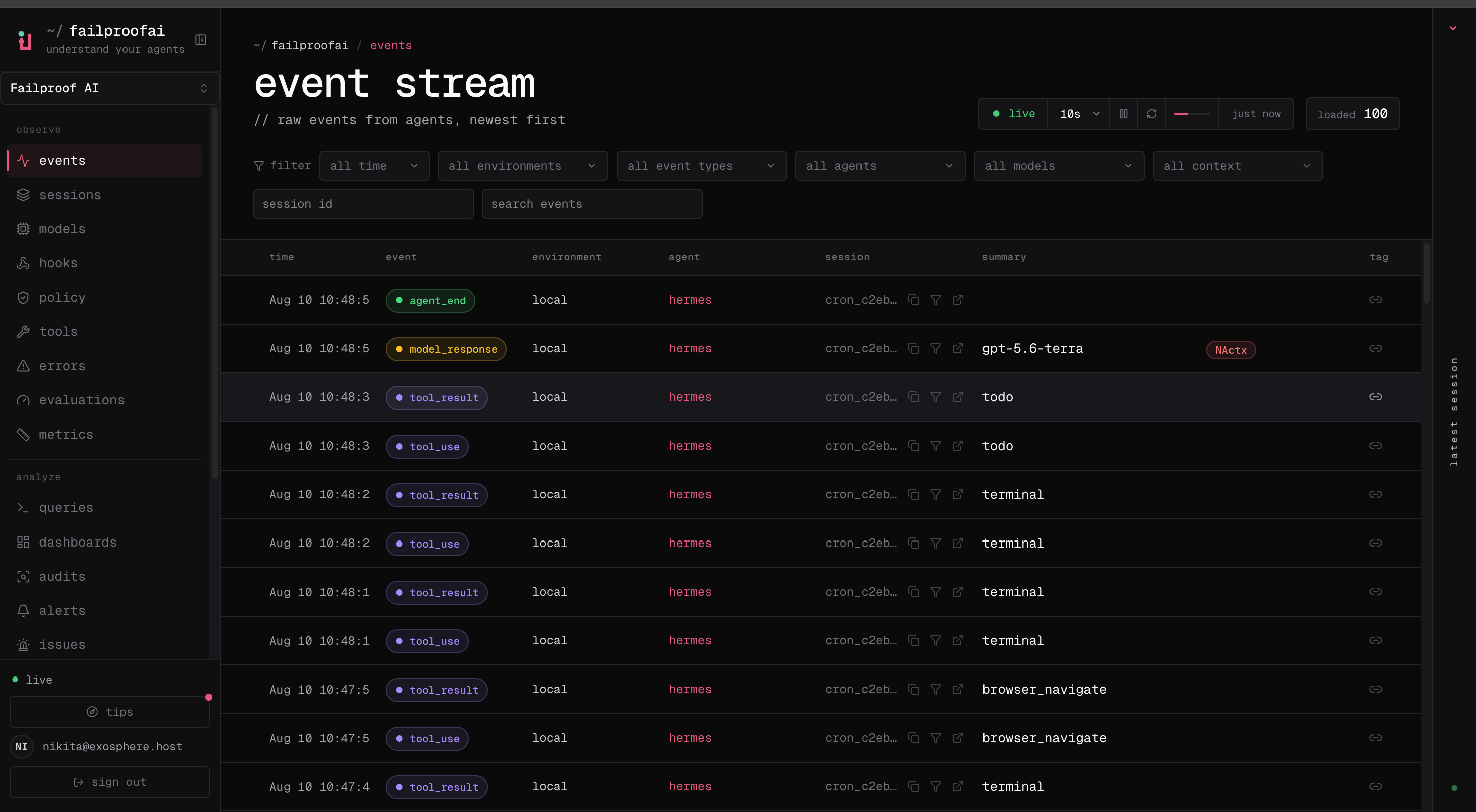
events:add. Then open Observe → Events, widen the time range, and clear environment and agent filters. If events exist, search the session ID and then check Observe → Sessions for grouping. If no events exist, diagnose the Failproof daemon from the CLI.Python SDK events remain on disk
Python SDK events remain on disk
- Dashboard
- CLI
Clear filters in Observe → Events and search the exact SDK session ID. If nothing appears, inspect the SDK spool and Failproof daemon on the source machine.
The machine does not receive policies
The machine does not receive policies
- Dashboard
- CLI
Open Admin → enforcement, select the machine, and compare its assigned, reported, and previous versions. Confirm the deployment scope includes the machine and its key has
policies:pull. Ingest can work even when policy delivery does not.A custom policy does not load
A custom policy does not load
- Dashboard
- CLI
For a Cloud-authored policy, open Admin → policy editor, select the draft, and review validation errors before publishing. For a local policy, use the CLI to validate it, then open Observe → policy after a test action to confirm decisions arrive.
An audit returns no findings
An audit returns no findings
- Dashboard
- CLI
Open Analyze → audits, select the run, and check whether model analysis ran. Then compare its scope and window with Observe → sessions and open representative traces from that population.A zero result is meaningful only when analysis ran successfully. If analysis was skipped or failed, the run produces no findings and keeps the unanalysed window open for a future successful run. If model analysis is disabled, the audit also produces no findings because the deterministic credential and PII scan records statistics but no longer raises findings.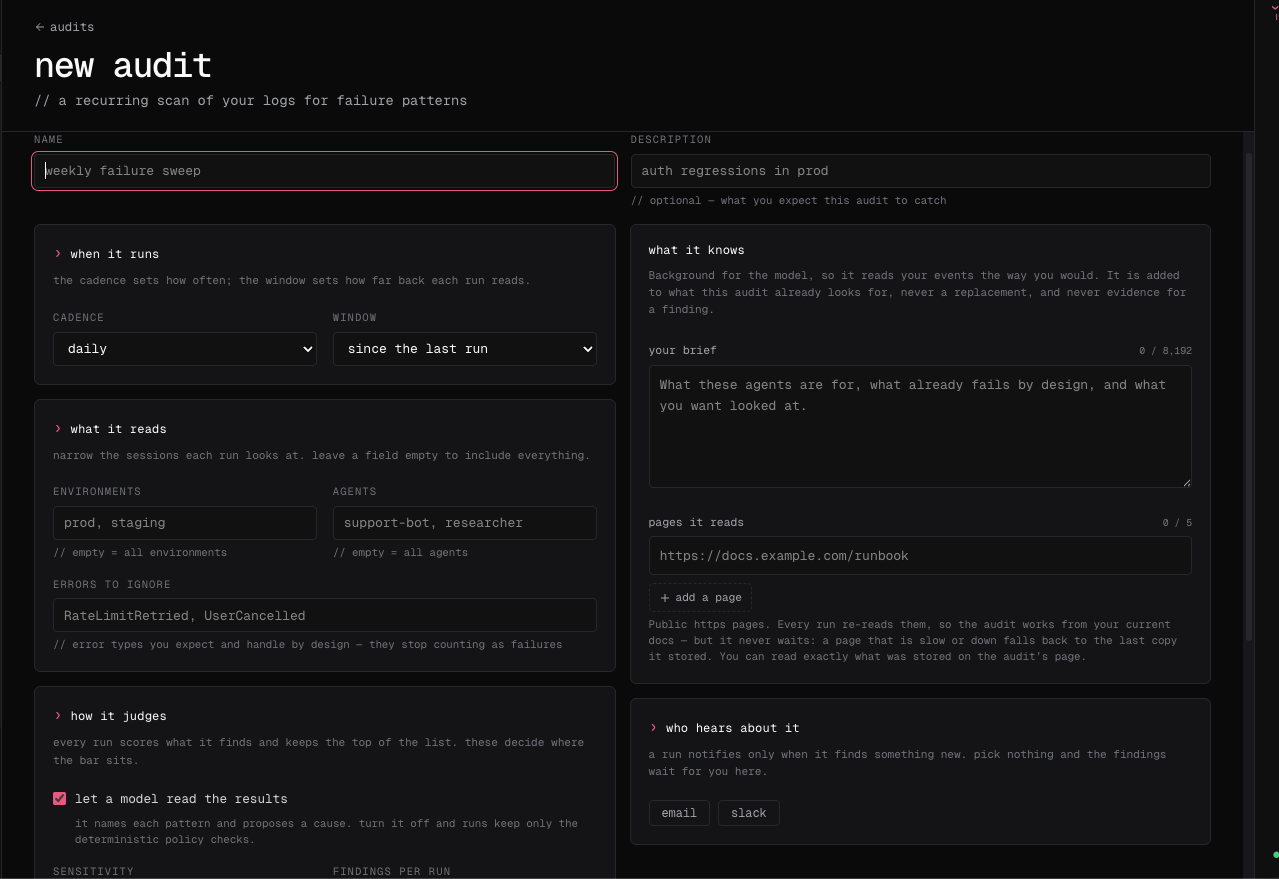
Online evaluations do not run automatically
Online evaluations do not run automatically
- Dashboard
- CLI
Open a completed session and check whether a manual evaluation succeeds. Hosted Cloud currently has no evaluator endpoint control in the dashboard; the server operator must configure it.
Cloud CLI authentication targets the wrong organization
Cloud CLI authentication targets the wrong organization
- Dashboard
- CLI
Use the organization switcher and confirm the expected slug and permissions before comparing results with the CLI.
A policy blocks valid work
A policy blocks valid work
- Dashboard
- CLI
Open Observe → policy, preserve the decision and linked session, and identify the false-positive condition. Then open Admin → enforcement and roll the affected machines back to the prior version. Create a narrower version in Policy editor, test it on a small scope, and expand only after valid work succeeds.
An error shows a ref
An error shows a ref
- Dashboard
- CLI
- Daemon
Errors in the dashboard end with a short reference, for example
ref 4bf92f35. It identifies that one request, and support can use it to find exactly what happened on the server. Copy it into your report as it appears.If a whole page fails to load, the error page shows a digest instead. Include that.ref or request_id from the error, and the output of failproofai config --status with secrets removed.