

Open audits
- Dashboard
- CLI
Go to Analyze → Audits. The page shows scheduled state, open findings, last run, next run, cadence, and whether the audit has a brief or reference pages. Select a card for settings and run history; select new audit to create one.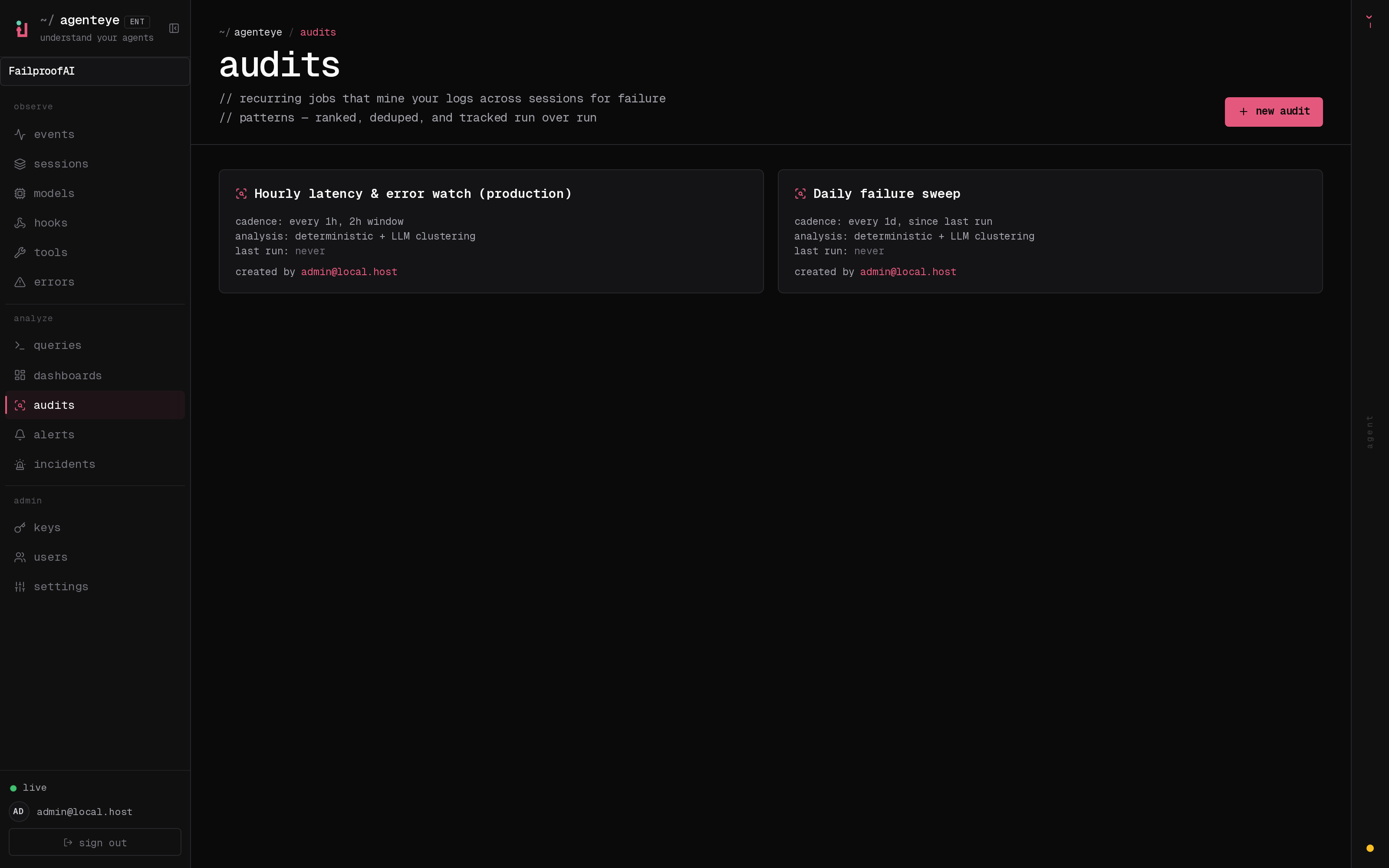
- Where do agents abandon tasks without escalating?
- Which tool failures lead to ineffective retries?
- Are agents accessing data outside the intended workflow?
- What changed after a model, prompt, or tool release?
Audit response flow
Set up an audit
Define the goal, population, and reference context before the first run.
Add agent context
State what each agent must produce and what it must never do.