

Triage and assign the work
- Dashboard
- CLI
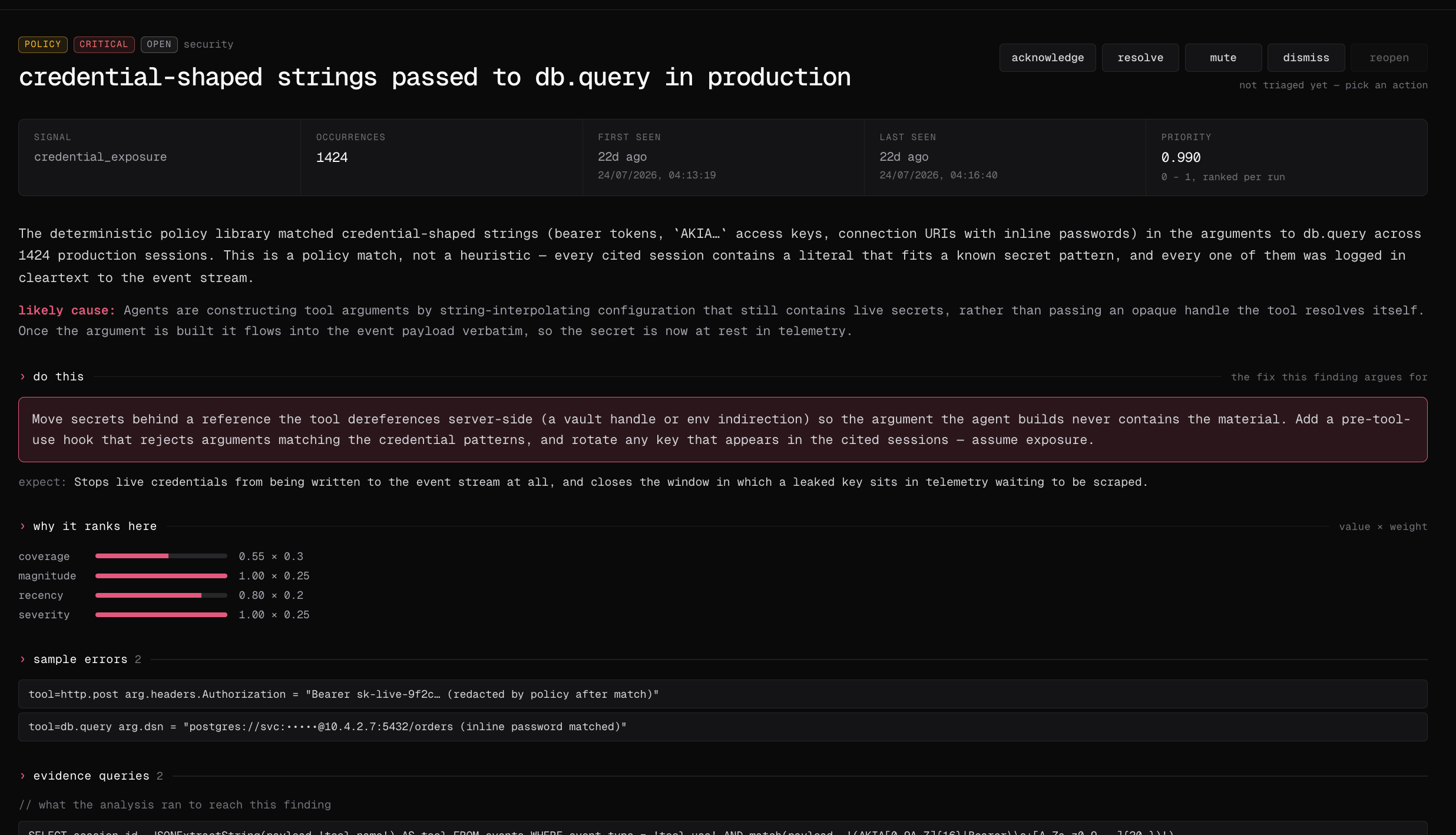
- Open Analyze → Audits, choose a completed run, and select a finding to inspect its analysis, recommendation, sessions, and evidence queries.
- Acknowledge, assign, dismiss, mute, resolve, or reopen the finding after checking its evidence.
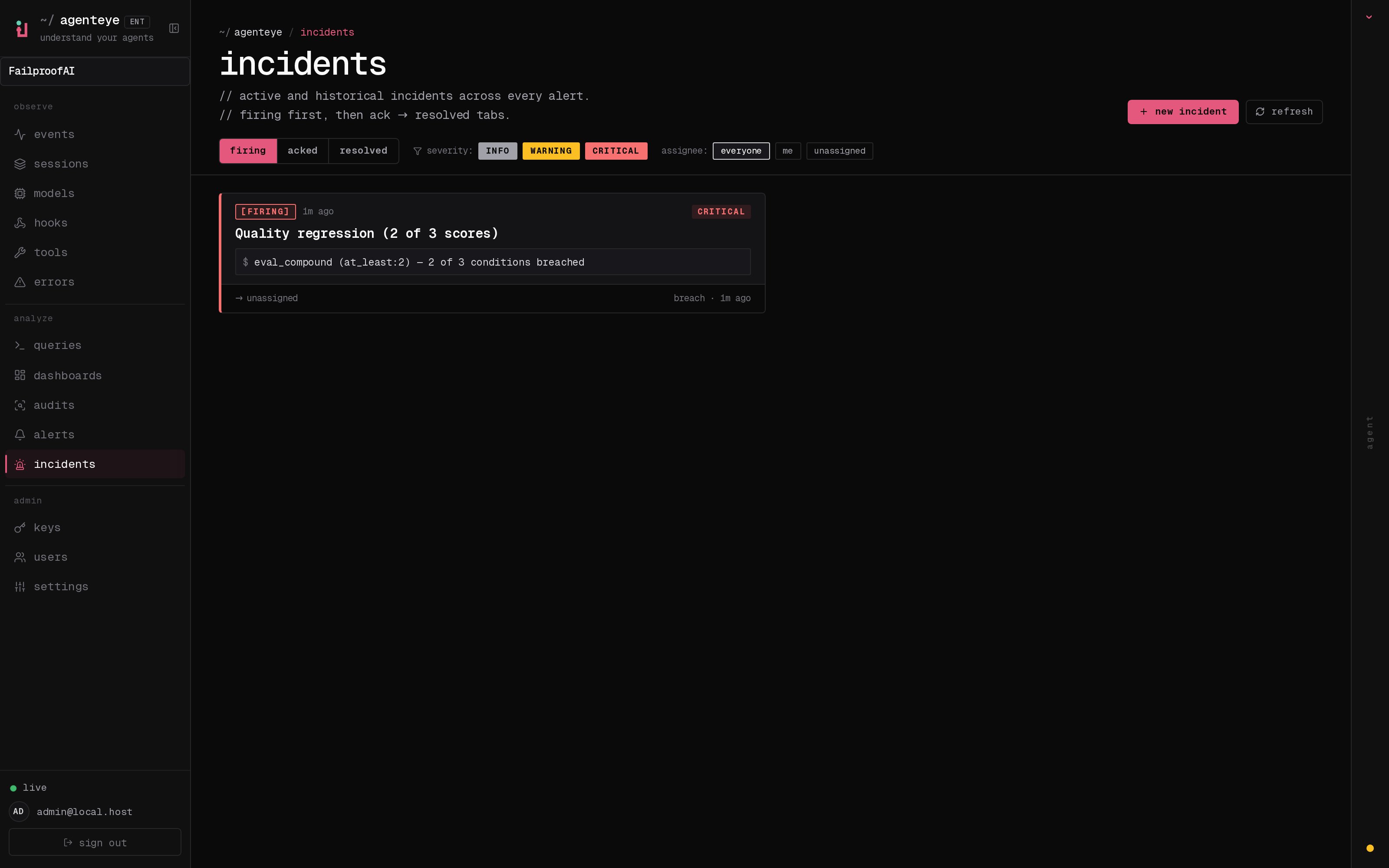
- Go to Analyze → Issues and filter the durable inbox by status, severity, or assignee.
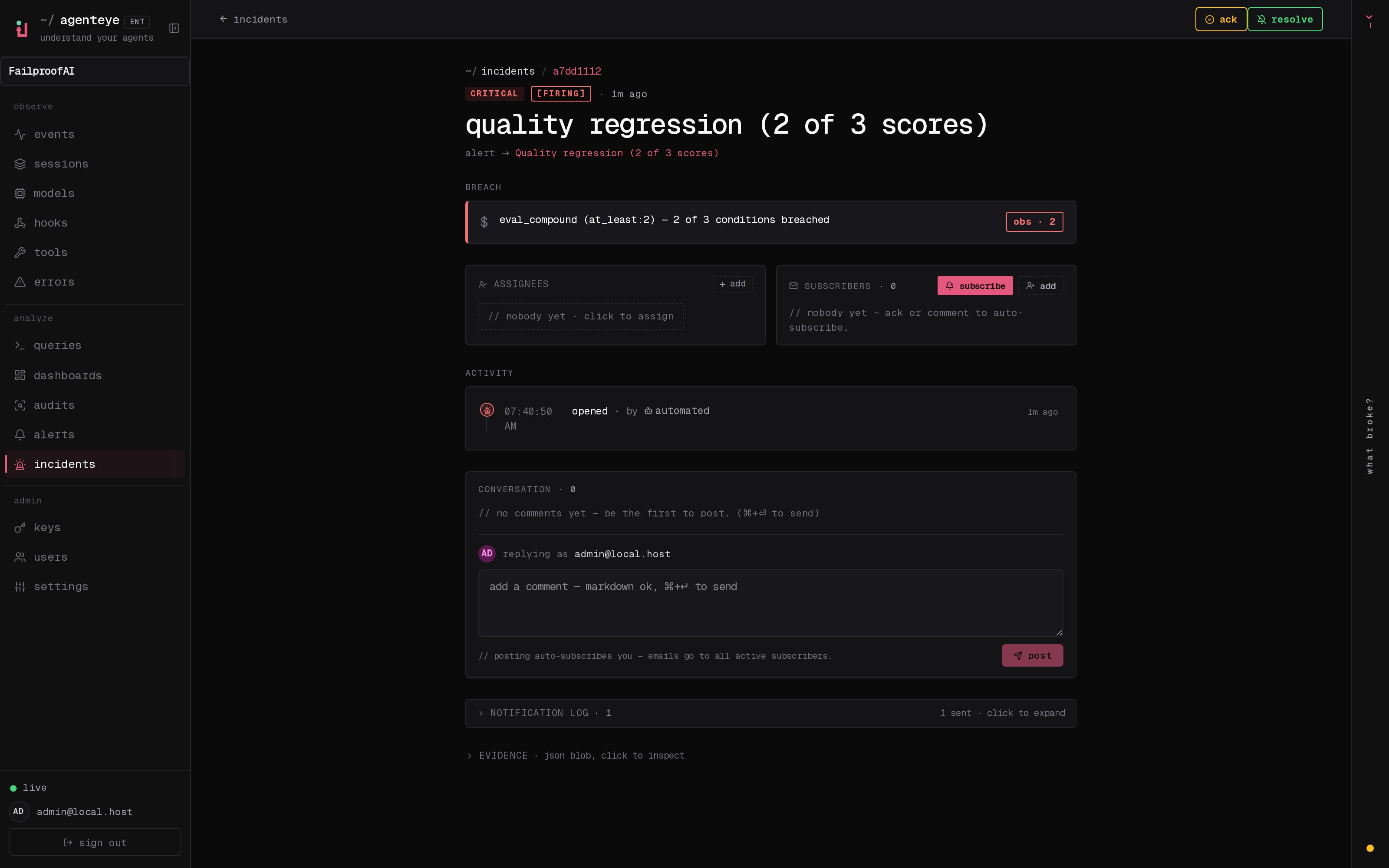
- Open the issue to assign it, add comments or subscribers, and resolve it after the fix is verified.
Review a finding
Confirm that it contains:- A stable failure mode, not only a one-off title
- Severity and operational impact
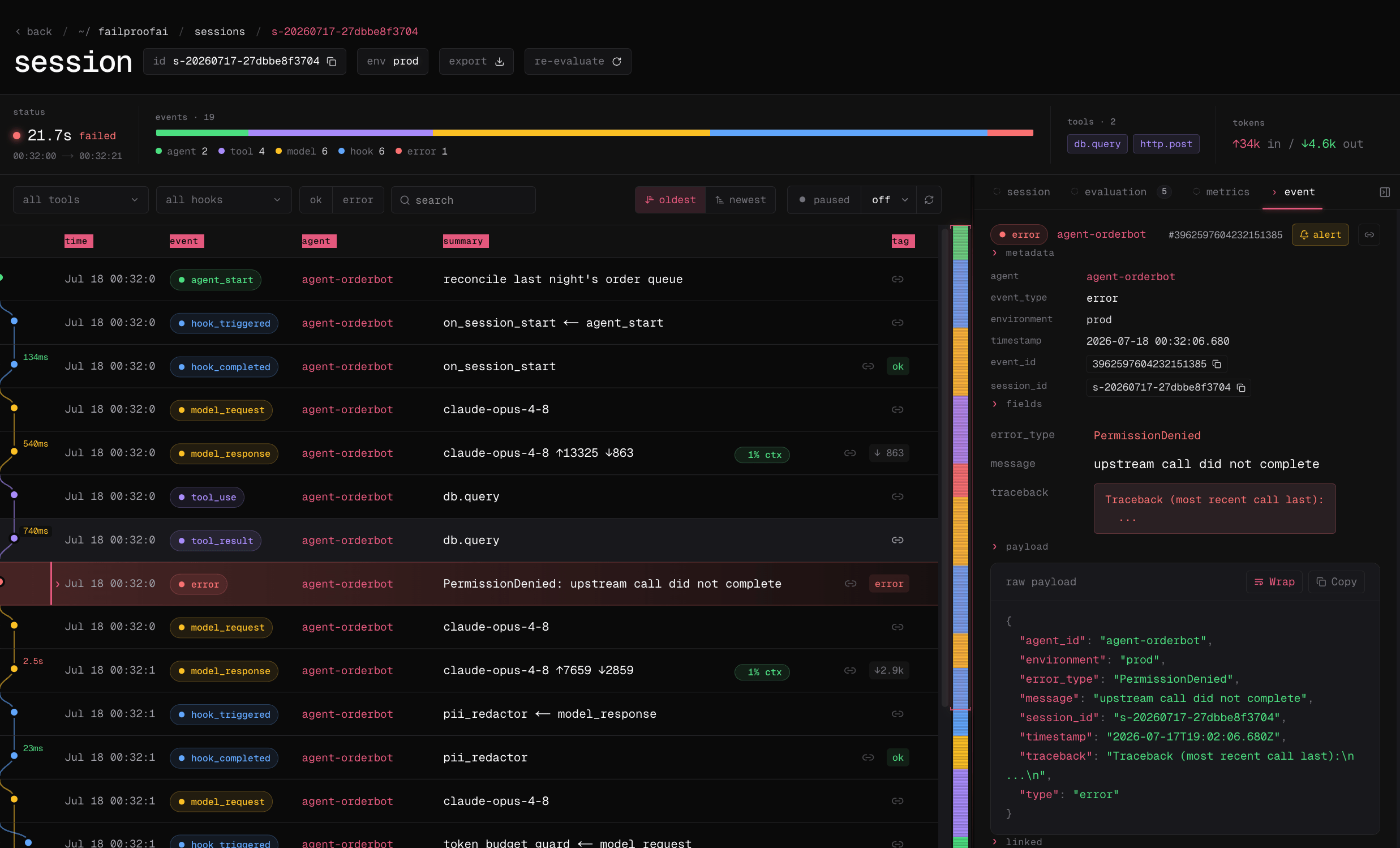
- Affected session IDs or supporting queries
- Enough context to reproduce the behavior
- A proposed response that matches the evidence
Use an issue to manage the response
Create or link an issue when the finding needs assignment, discussion, status changes, comments, or subscribers. Issues can also represent alert incidents and manually reported problems, which is why they live under audit response rather than in the primary navigation. Resolve the issue when remediation is deployed and verified. Resolve the finding when the failure mode has been addressed for the audit population. Those moments may differ.End an issue: resolve, close, or archive
An issue ends once, and how you end it decides what happens the next time the audit sees the same pattern.
Resolve and close are both final and neither can overwrite the other, so an issue
someone resolved keeps that record. Archiving is separate from both: you can archive
an issue in any state, and it keeps whatever state it ended in. If an archived issue
is still live and the problem recurs, it comes back to the board on its own — archive
hides history, it cannot hide an active problem.
Closing an issue that came from an audit also dismisses the finding behind it. It
does not silence that pattern in your other audits; for that, mute or dismiss the
finding itself.
Start fresh after changing your agents
When you ship a round of changes to your agents, the issues already on the board describe the behavior you just replaced. Clearing resolves them in one step, along with the audit findings behind them.- Dashboard
- CLI
- Go to Analyze → Issues and select clear, or open a single audit and select clear issues to limit it to that audit’s work.
- Choose the scope. Each one shows how many issues it covers before you commit to it.
- Confirm. The issues are resolved, and so are the audit findings behind them.
Turn an issue into a policy draft
- Dashboard
- CLI
- Open the issue and verify its finding, cited sessions, root cause, and recommendation.
- Select generate policy and review the candidacy result and proposed enforcement intent. A no policy result means the behavior may require an alert, workflow change, or human response instead.
- Select write this policy, then review and test the generated source in Admin → policy editor before selecting publish version. Use open the editor anyway when you disagree with the candidacy check.
- Go to Admin → enforcement, deploy the version in observe mode, and verify its decisions under Observe → policy before enforcing it.
Author a policy
Convert a confirmed, repeatable action pattern into a policy version.