

Configure the audit
- Dashboard
- CLI
- Go to Analyze → Audits → New audit and enter the name and description.
- Set the cadence, time window, agent/environment scope, ignored errors, sensitivity, and maximum findings.
- In agents, add or review agent context, then add the operator brief and any public HTTPS reference URLs.
-
Choose notification channels and select create audit. The first run queues immediately.
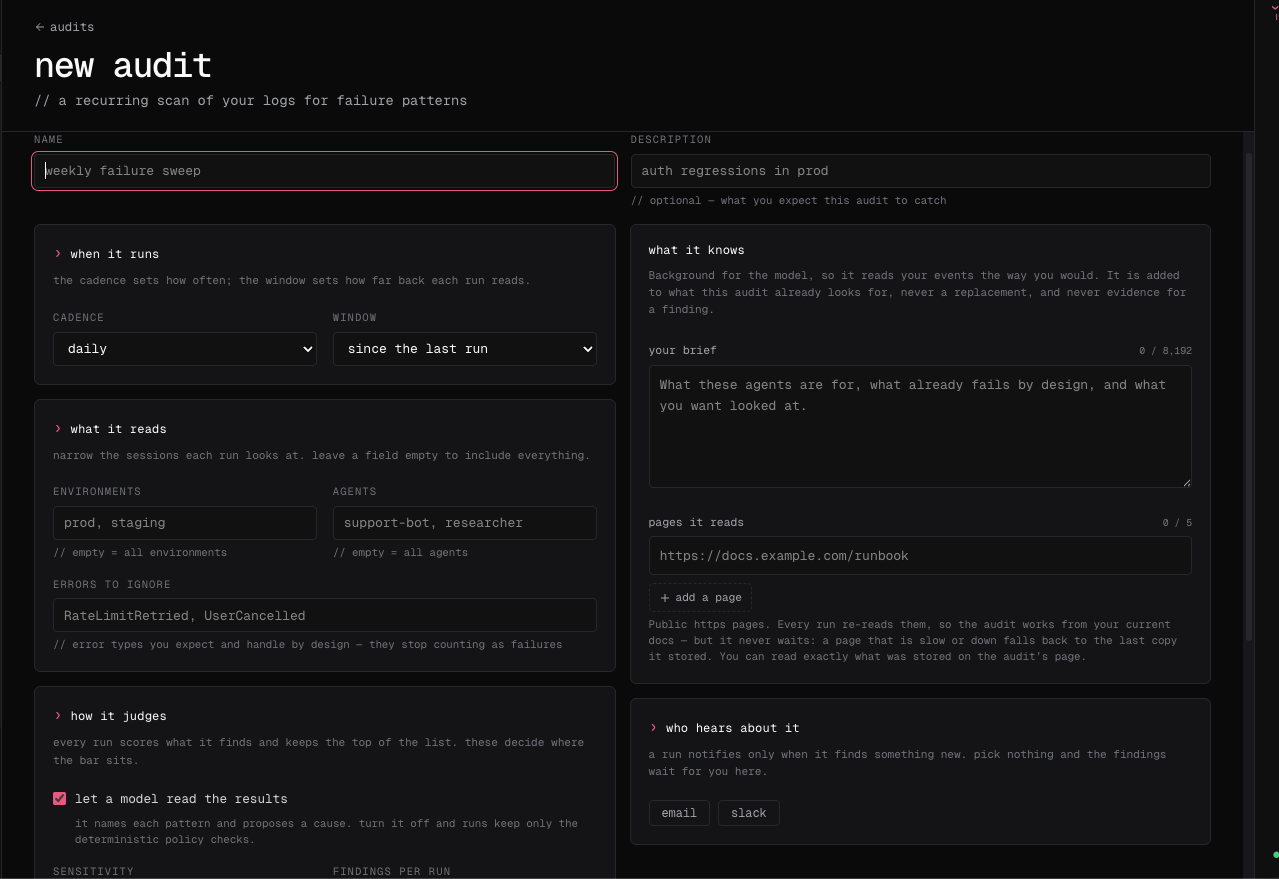
Audit context is stored as its own resource so editing an audit does not accidentally remove the reference material.