

Change the schedule
- Dashboard
- CLI
- Go to Analyze → Audits and open the audit.
- Open its settings and change the enabled state, interval, UTC anchor, window mode, or lookback.
- Save the audit and confirm the next-run time on the audit card.
-
Use run now once after a major scope or context change.
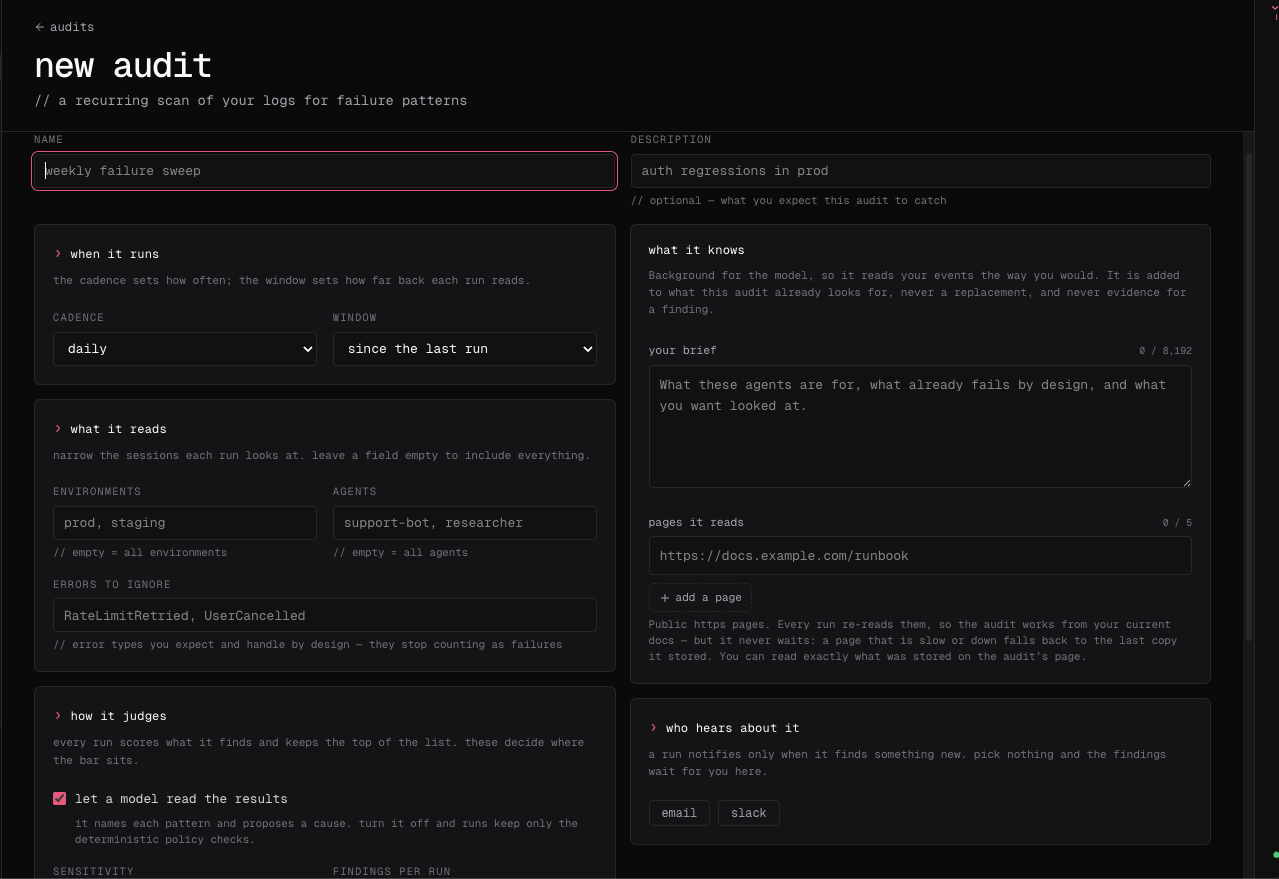
Align the lookback window with the cadence so runs neither leave gaps nor repeatedly examine an unnecessarily large population. After changing an audit’s goal or context, run it manually once before relying on the next scheduled result.
Local scheduled audits are configured on the machine and scan local agent history. Cloud audit schedules operate on Cloud sessions. Treat their results and ownership separately.