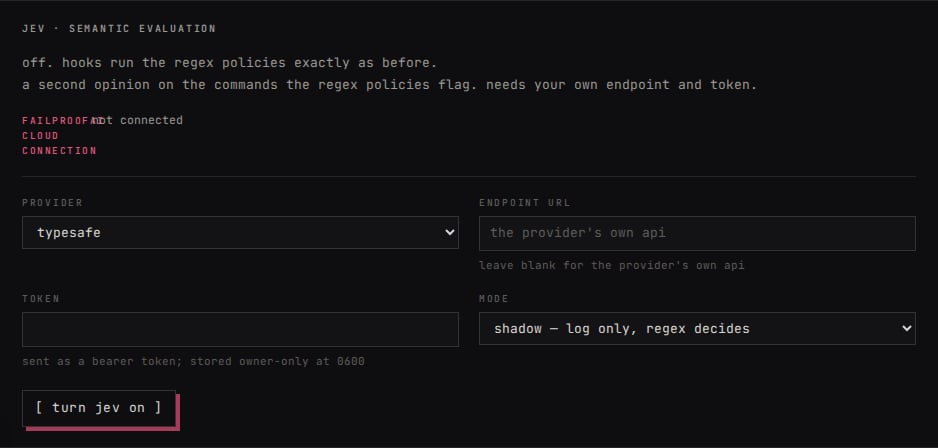
- Jev evals
- Jev policies
Use a Jev eval when a finished session can be scored against a question with a few known answers, such as “Did the customer ask for a refund? Answer yes or no.” It helps you find patterns across sessions.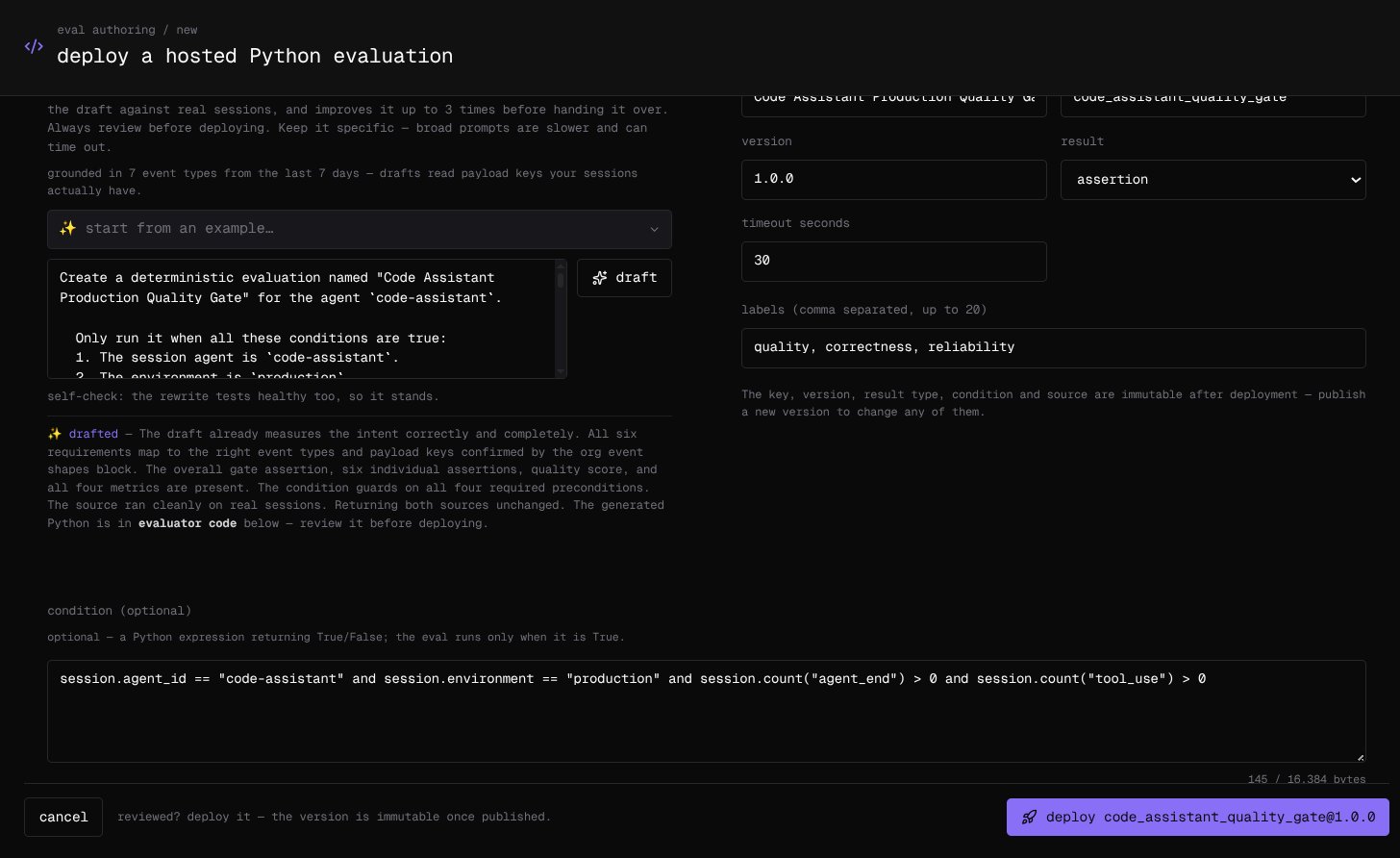
Create an eval
In the Cloud dashboard, open Analyze → eval authoring → new eval. Enter one fixed-answer question, select draft, and check that it chose a classifier score. Test it on real sessions, then deploy it.