

Investigate errors
- Dashboard
- CLI
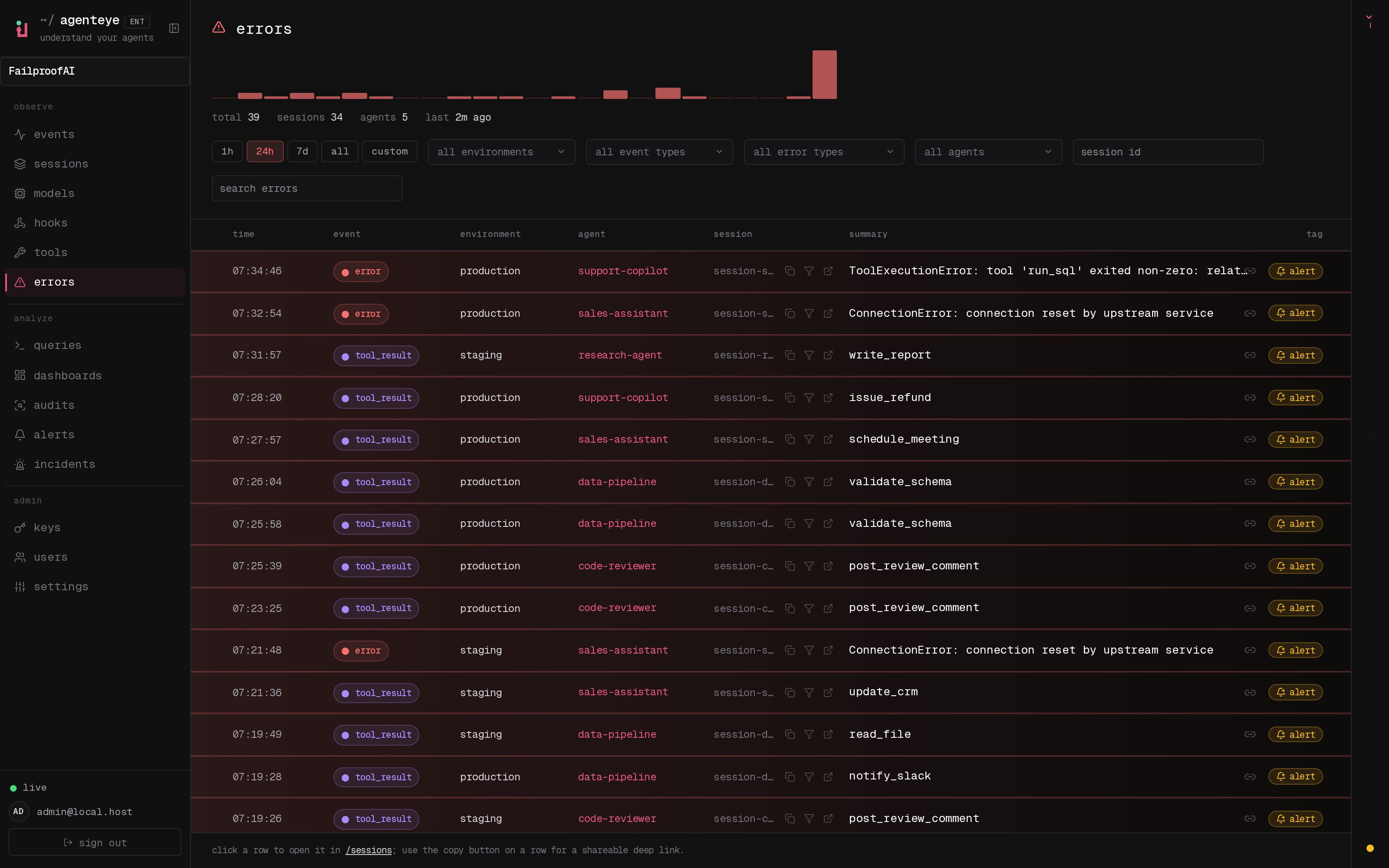
- Go to Observe → Errors.
- Filter by environment, event type, error type, agent, session ID, or search text.
- Expand a grouped error to see occurrences. Select a row to open the exact event in its session.
-
Select the bell control on a representative error to start an alert for similar errors.
Use Errors when you need to
- Find the most frequent error class in production.
- Determine whether one tool or model causes a spike.
- Jump from an aggregate count to representative sessions.
- Create an alert for recurrence.
- Include the affected population in an audit.
Create an alert
Notify responders when an error or quality condition crosses a threshold.