- Dashboard
- CLI
- Go to Observe → Metrics.
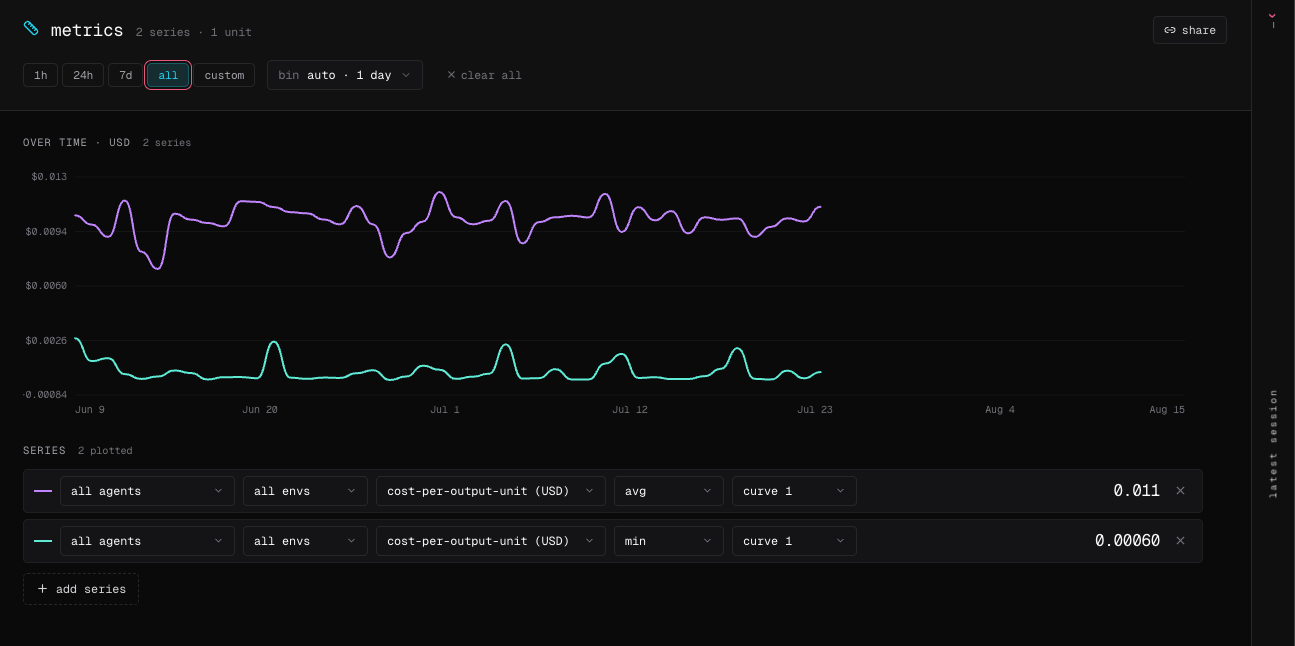
- Select add series and choose an agent, environment, metric, statistic, and curve.
- Add series to compare agents or environments; different units receive separate axes.
-
Select a point to open matching evaluations and sessions, or select share to copy the exact view.