

- Dashboard
- CLI
- Go to Observe → Hooks.
- Filter by environment, hook name, trigger event, agent, or session ID.
- Review hook latency and distribution.
-
Select a chart point or hook segment to open the underlying events.
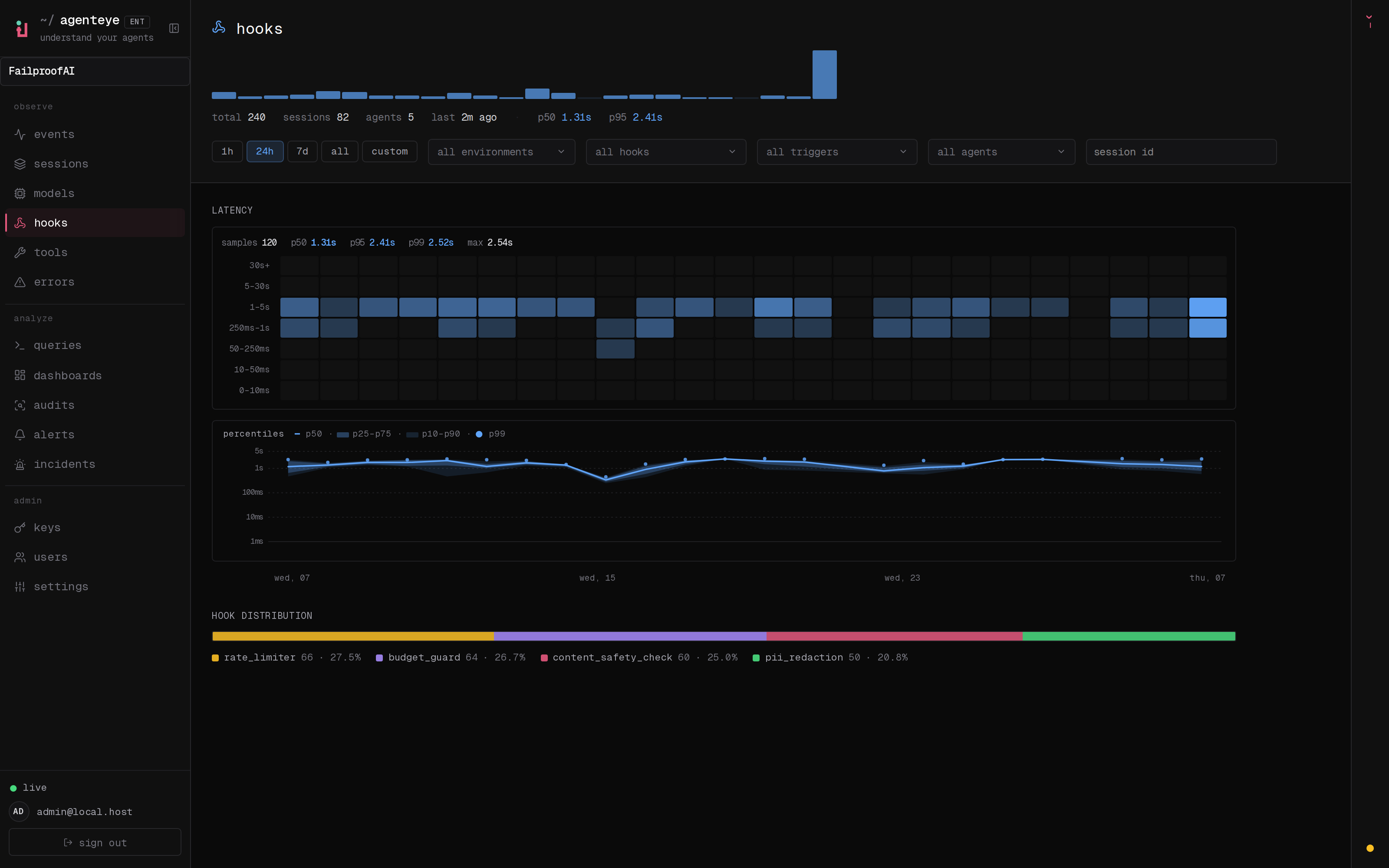
Measure hook activity, triggers, and latency separately from policy outcomes.